Dial Tone: The Screen Saver
We liked
 Dial Tone
so much we
made it into a screen saver!
Dial Tone
so much we
made it into a screen saver!
You can download it for free:
- Dial Tone.saver.zip for macOS (Universal Binary).
Below are installation instructions for macOS 26 Tahoe and macOS 15 Sequoia.
Installing on macOS Tahoe
- Download Dial Tone.saver.zip.
- Unzip and double-click on Dial Tone.saver.
-
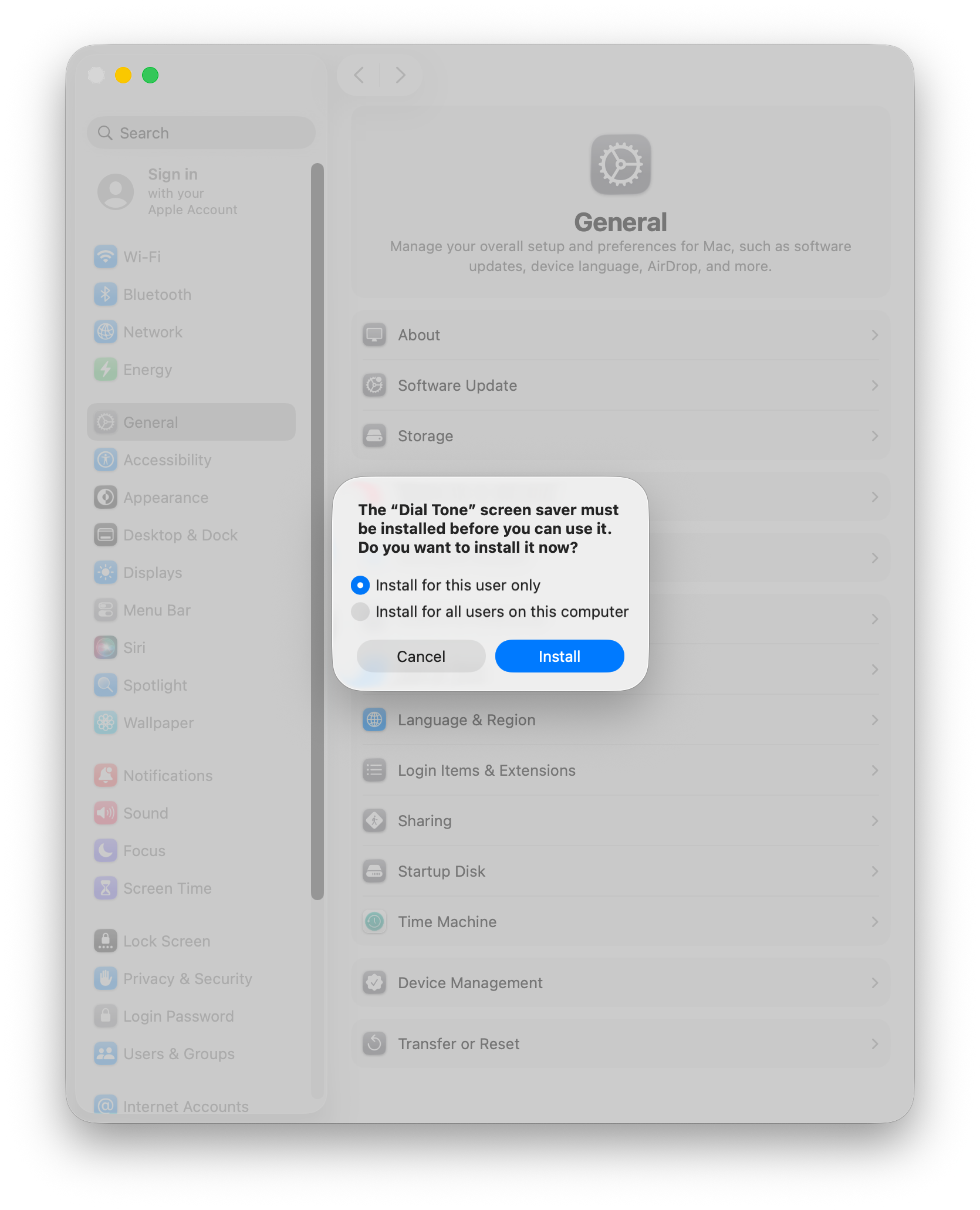
System Settings will prompt you to install.
-
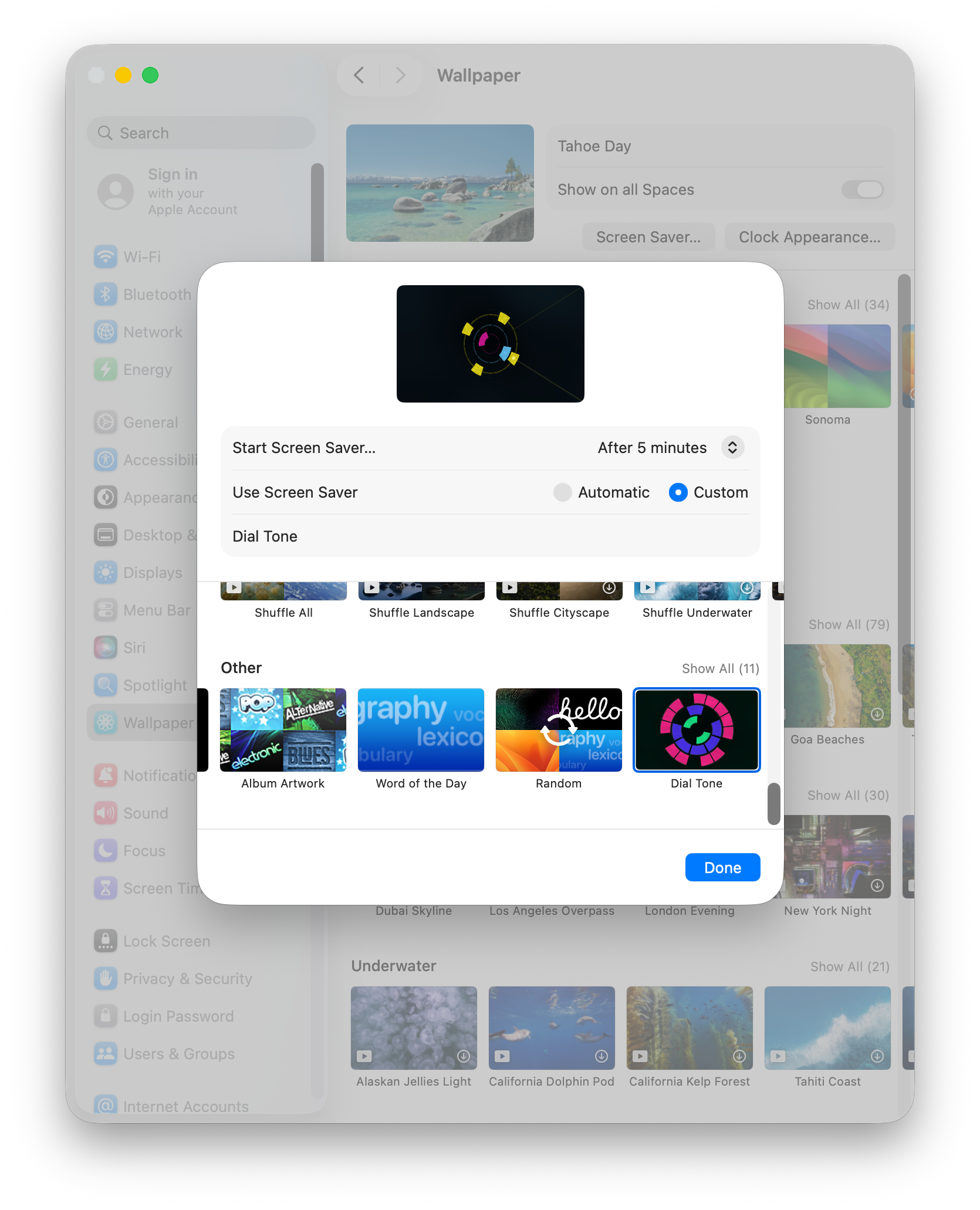
Navigate to:
Settings → Wallpaper → Screen Saver... → Custom → Other →
Dial Tone
Installing on macOS Sequoia
- Download Dial Tone.saver.zip.
- Unzip and double-click on Dial Tone.saver.
-
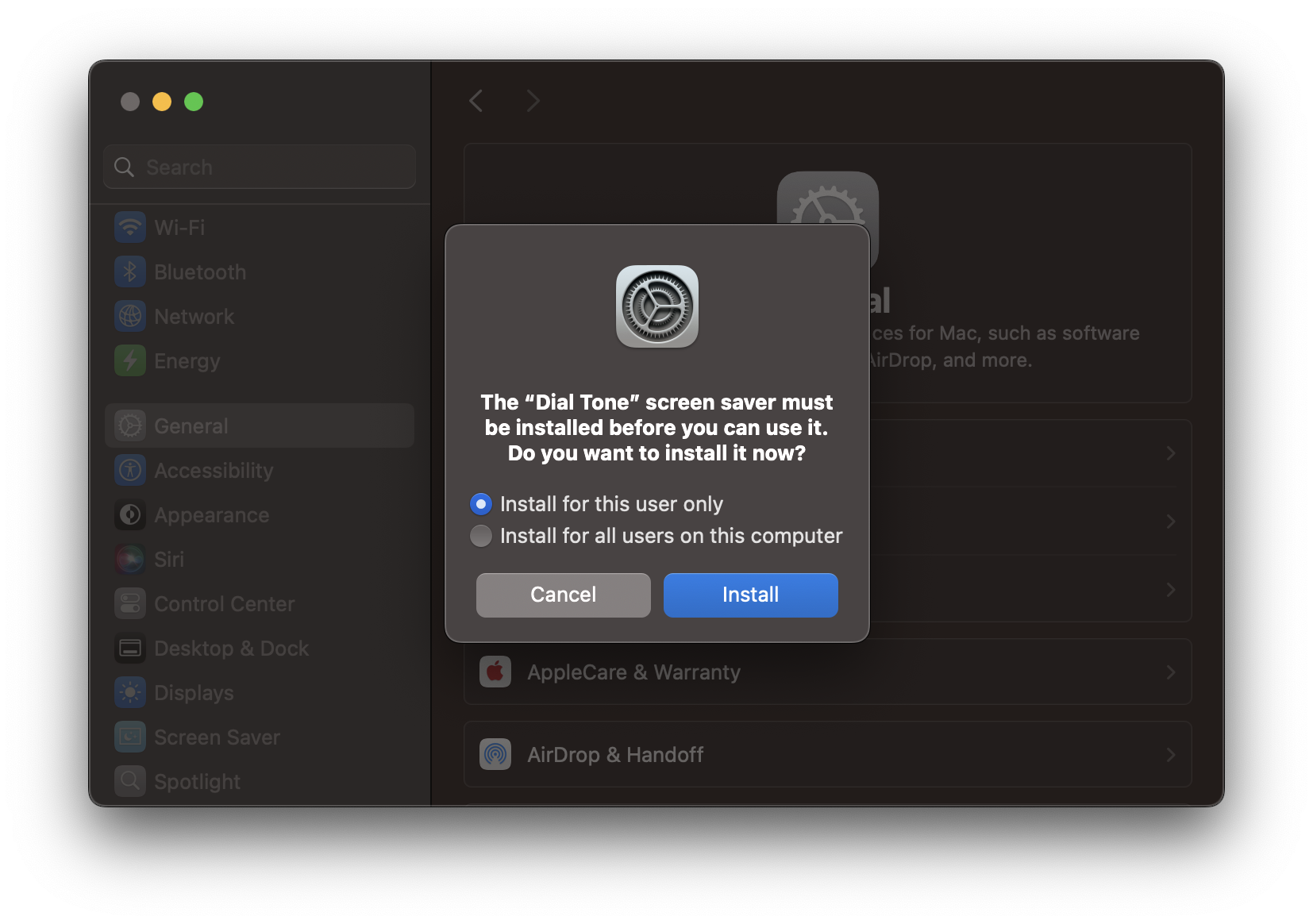
System Settings will prompt you to install.
-
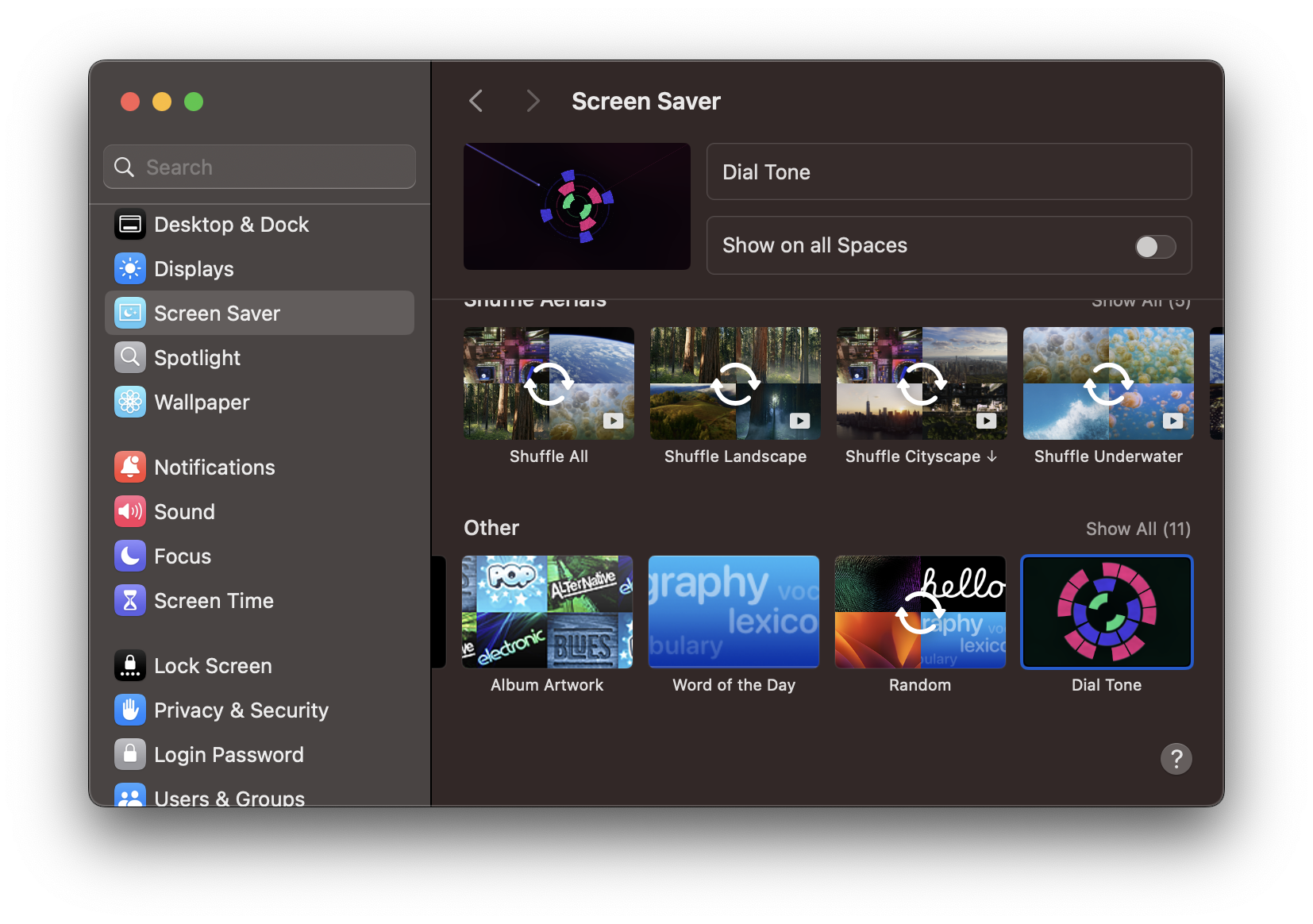
Navigate to:
Settings → Screen Saver → Other → Dial Tone
And if you really like Dial Tone: The Screen Saver, you might also
like
Dial Tone, the iOS game it’s based on, out now
on the app store!